Route Viewer for macOS
macOS app, iOS and companion watchOS app for viewing GPX, TCX and FIT files on your Mac and Garmin devices
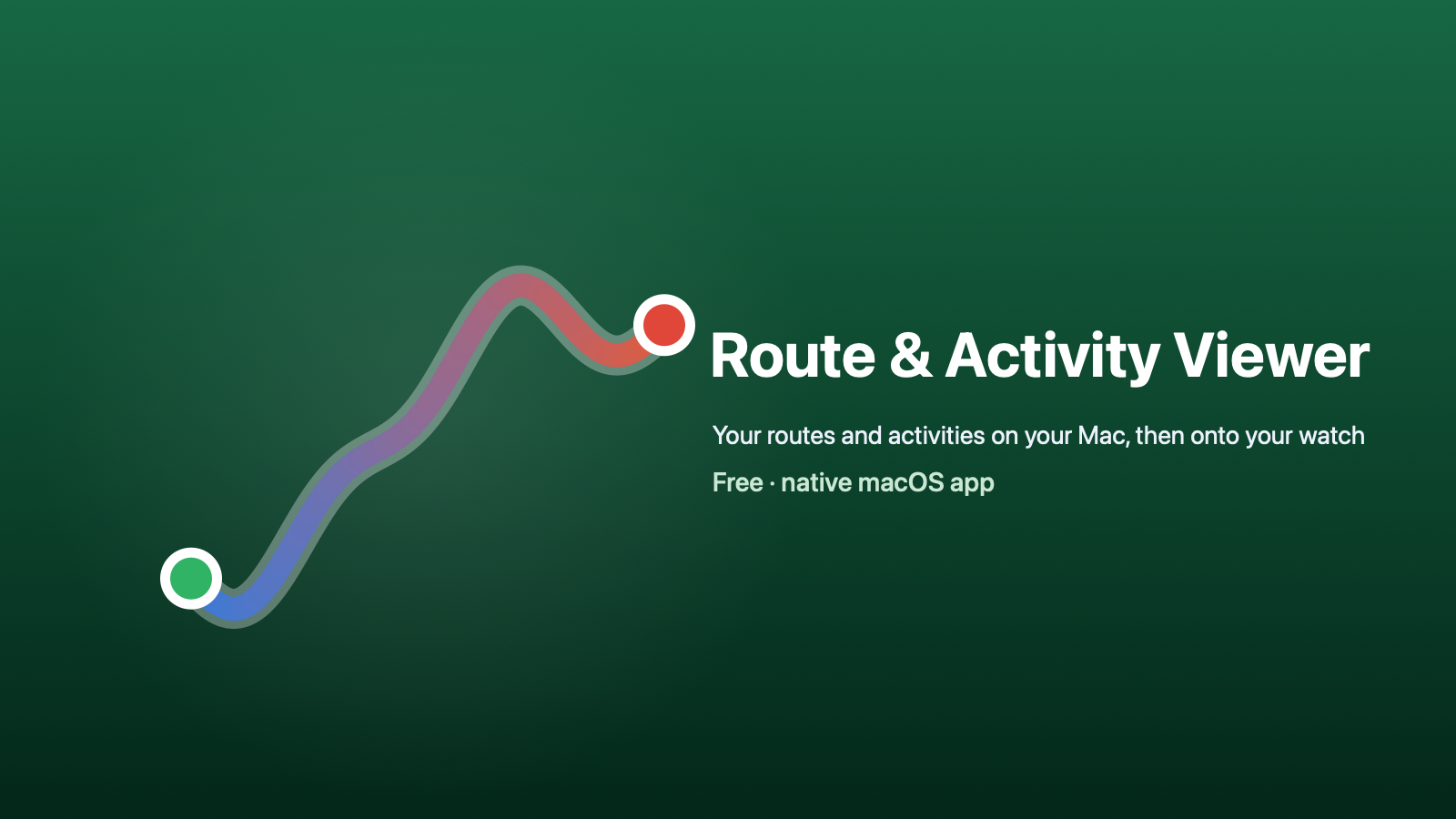
The ultimate route viewer for the macOS Athlete. Sports watches use different formats. Garmin exports .fit, Strava bulk archives arrive full of .gpx, coaches email .tcx, and Google My Maps produces .kml. Your Mac opens none of them properly, and on a Mac with Xcode installed a .gpx will cheerfully open in a code editor.
Route Viewer opens all four, on every screen you own. On the Mac the route draws on a real map, with elevation, heart rate and pace charted over distance, per-kilometre splits alongside your device's own laps, and Quick Look shows the route shape with its headline numbers straight from the Space bar. That last part is harder than it sounds: preview extensions cannot reach the network, so map tiles are impossible and the route is drawn from the coordinates themselves.
The FIT reader is written from Garmin's published protocol: definition and data messages, both byte orders, compressed timestamps, developer fields and CRC-checked files. It was verified against a reference implementation and against real Garmin exports, including a 57 kilometre ultra where the FIT, GPX and TCX versions of the same run all agree.
Route Viewer Pro turns any route into a course your watch can follow, and gets it there. Drop in a GPX, KML, TCX or FIT and get a watch-ready FIT course with turn cues and pacing. From the Mac, write it straight onto a Garmin that mounts as a USB drive, hand it to the Garmin Connect course importer in your browser, or AirDrop it to your iPhone. On the phone, one tap passes the course to Garmin Connect, which syncs it to your watch wirelessly, or sends it straight to your Apple Watch, where Route Viewer draws it as a breadcrumb with your live position, the distance still to go, and an arrow back to the line when you wander off it.
One purchase unlocks Route Viewer Pro on your Mac, iPhone, iPad and Apple Watch.
Requirements
Universal binary, so it runs on both Intel and Apple Silicon Macs.
- macOS 14 (Sonoma) or later
- Intel Mac or Apple Silicon (M1 or newer)
Installation
Download the file, unzip it, and copy it into your Applications folder. Open it once and it registers the Quick Look handler itself. Instructions are included with the download.
Apps downloaded here are signed by Apple, so you shouldn't see any Gatekeeper warnings.
Licence
What you may do: install and use the software, at no cost, on any Mac you own or control, for personal or business purposes.
What you may not do: sell, rent, lease, sublicense or otherwise charge anyone for the software; redistribute, repackage, bundle or host it for download (please point people at the official download page instead); or modify, adapt, translate, reverse-engineer, decompile or disassemble it, except to the limited extent applicable law expressly permits.
The software is licensed, not sold. All rights not expressly granted above are reserved by the copyright holder, who may offer future or paid versions under different terms.
Privacy
100% on-device. No accounts, no tracking, never connects to the internet, collects no data whatsoever.
Feedback
Please contact me with any feedback, issues, suggestions or requests!